How to Use the Water Tracker
Staying hydrated is an important part of supporting your health and weight loss goals. The Premium Water Tracker helps you keep track of how much water you drink throughout the day by providing a simple way to record your intake and monitor your progress towards a daily hydration goal.
Drinking enough water can support many functions in the body, including digestion, circulation and temperature regulation. It can also help you better recognize thirst and hunger signals, which can be useful when managing your calorie intake.
Tracking your water intake helps build awareness of your hydration habits and makes it easier to see whether you are drinking enough throughout the day.
Below is a guide on how to set up and use the Water Tracker.
Setting up the Water Tracker
Turn On the Water Tracker
To begin using the Water Tracker, open the Premium homepage from the app’s bottom navigation bar.
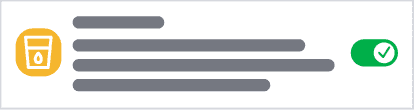
Scroll through the list of Premium features until you find Track Water and ensure the toggle is switched on.
Once enabled, the Water Tracker will appear below your meals on the Diary page, where you can begin logging your water intake for the day.
Update Your Drink Size
The Water Tracker allows you to log water in custom increments that match how you usually drink water.
To adjust this setting:
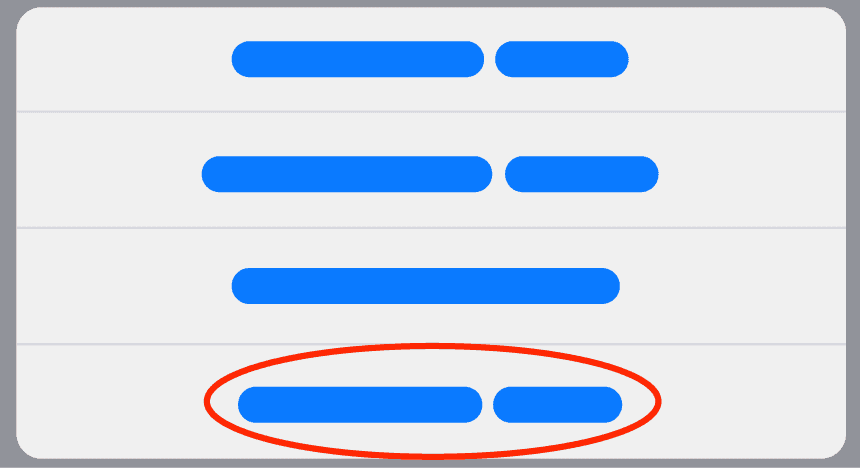
- Tap the three dots on the Water Tracker
- Select Set Drink Size
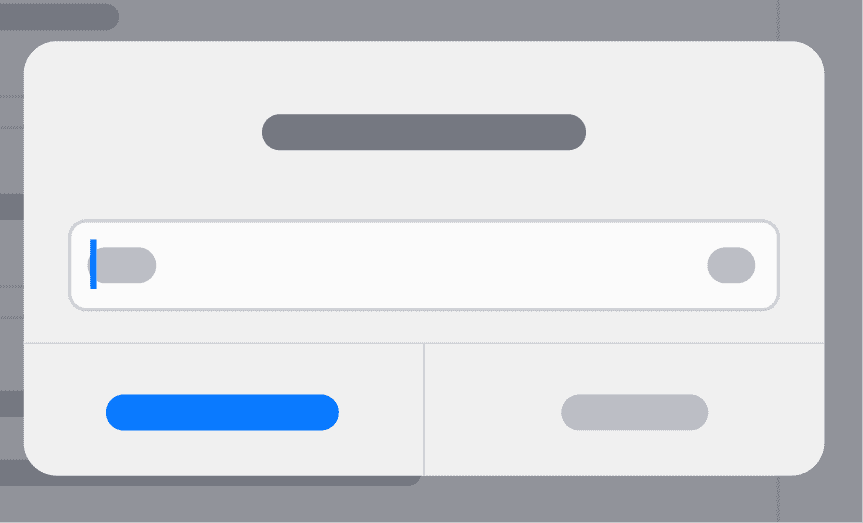
- Enter the amount you would like each tap of the "+" button to represent
- Tap OK to save
For example, if you typically drink from a 500ml (2 cup) water bottle, you can set your drink size to 500ml. Then you can simply log one drink each time you finish a bottle.
Log Water Intake
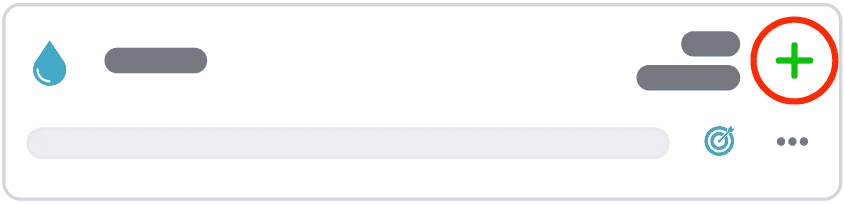
To log your water intake, tap the '+' icon on the Water Tracker. Each tap will add your set drink size and update the progress bar, showing your progress towards your daily water goal.
If you accidentally log too much water, you can make an edit by tapping the 3 dots (in the bottom right corner of the water tracker) and selecting ‘Edit Water Consumed’. Enter how much water you have actually consumed for the day, then tap ‘OK’ to update.
Daily Water Goal
If you have a specific hydration goal, you can update it at any time.
Tap the three dots on the Water Tracker and select Daily Water Goal.
Enter your preferred daily water intake target and tap OK to save your changes.
Your progress bar will update throughout the day to show how much of your daily goal you have reached.
Changing Units
You can switch between metric and imperial water measurements (liters and cups) by tapping the 3 dots and selecting ‘Change Units'.