How to Use fatsecret Recipes
The fatsecret app includes a collection of recipes that provide a convenient way to find meal ideas for weight loss. While anyone can browse and view these recipes in the app, Premium members have the ability to log recipes to their Diary.
Each recipe already contains calorie and nutrition information calculated from the ingredients and serving size, allowing you to log the entire recipe to your Diary in just one tap.
This guide will show you where to find recipes and how to log them to your Diary.
How to Log fatsecret Recipes to Your Diary
Step 1: Open the Recipes Tab
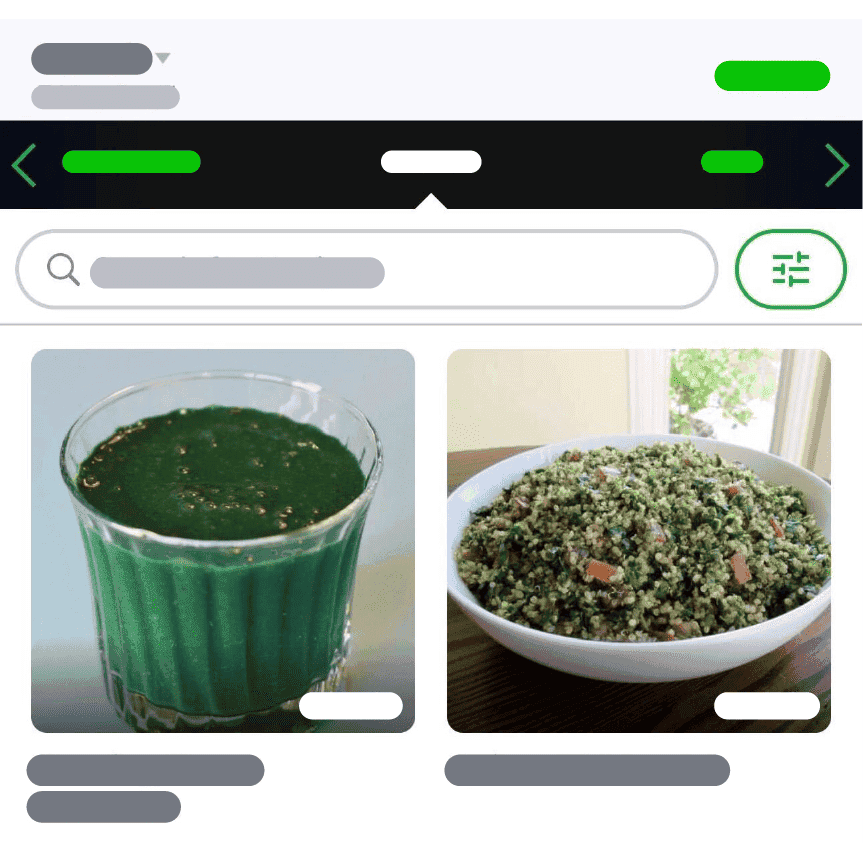
On the Diary page, tap the meal you would like to log. This will open the food add page. At the top of the screen, swipe across the tabs until you reach Recipes. Here you will find a collection of available recipes from your region that can be logged to your Diary.
Step 2: Find the Recipe You Want to Log
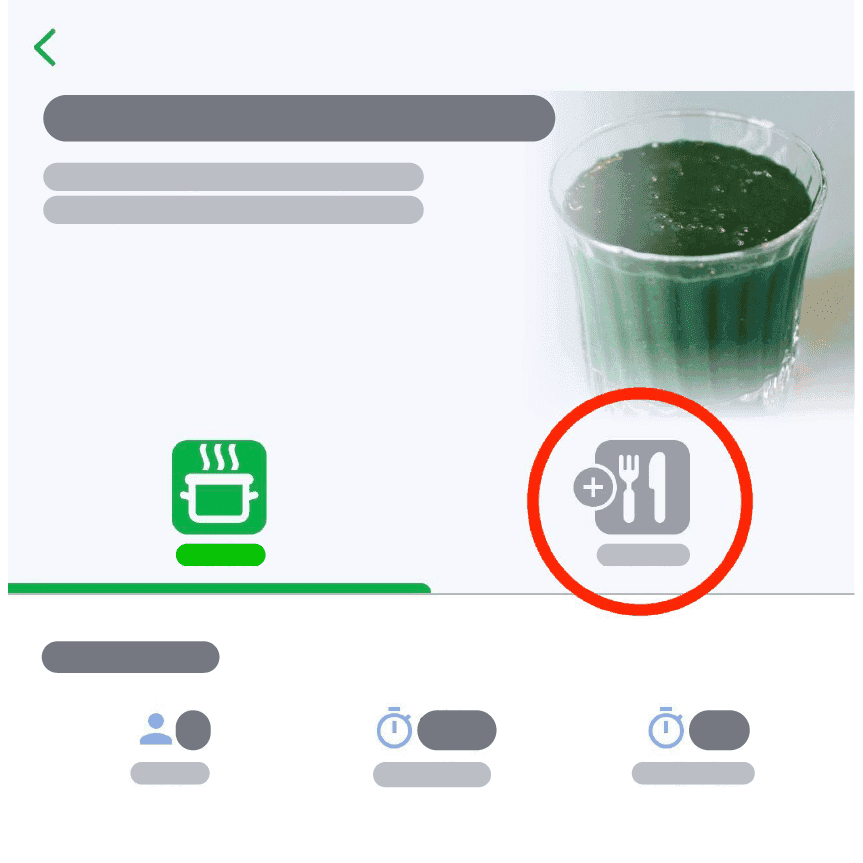
Browse the list of recipes or search for a specific recipe if you already know what you are looking for. Once you have found the recipe you would like to log, tap on it to see the ingredients and directions. If you decide you want to log the recipe, tap the Diary icon.
Step 3: Adjust the Serving Size
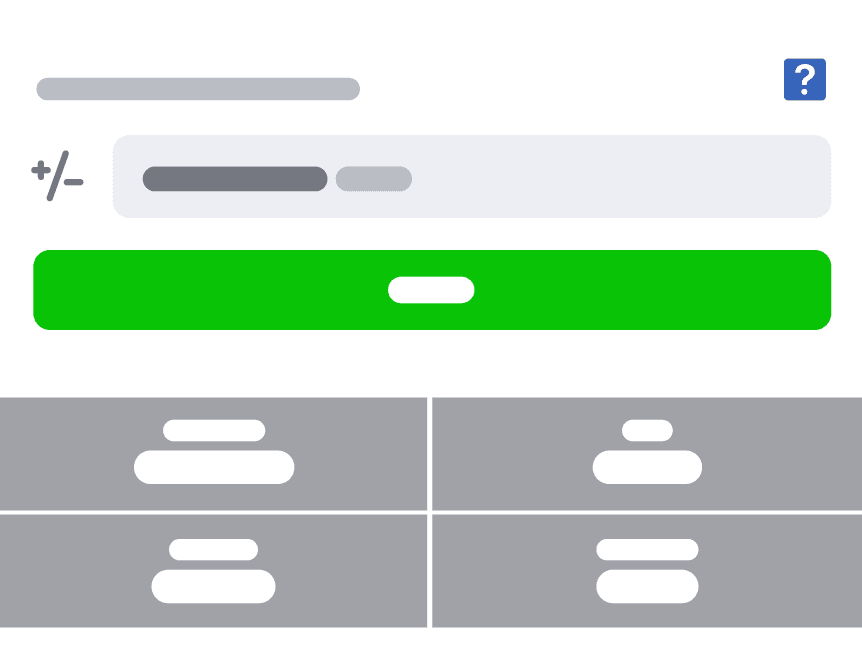
Before adding the recipe to your Diary, you can adjust the serving size if needed.
Recipes are typically logged per serving, with the serving size also shown in grams. This allows you to adjust the amount depending on how much of the recipe you ate.
Once you have updated the serving size, tap “Save” to add the recipe to your Diary. The calories and nutrition information will automatically be logged under the meal you selected.