

2. How to find and log food in the fatsecret app
Food logging is the foundation of how the fatsecret app helps you understand your eating habits and lose weight. By logging what you eat, you can track your calorie intake and see how your food choices add up across the day. There are several ways to log food in the fatsecret app. In this guide, you’ll learn the core method for searching for a food and adding it to your Diary.
Step 1: Choose a Meal to Log Food To
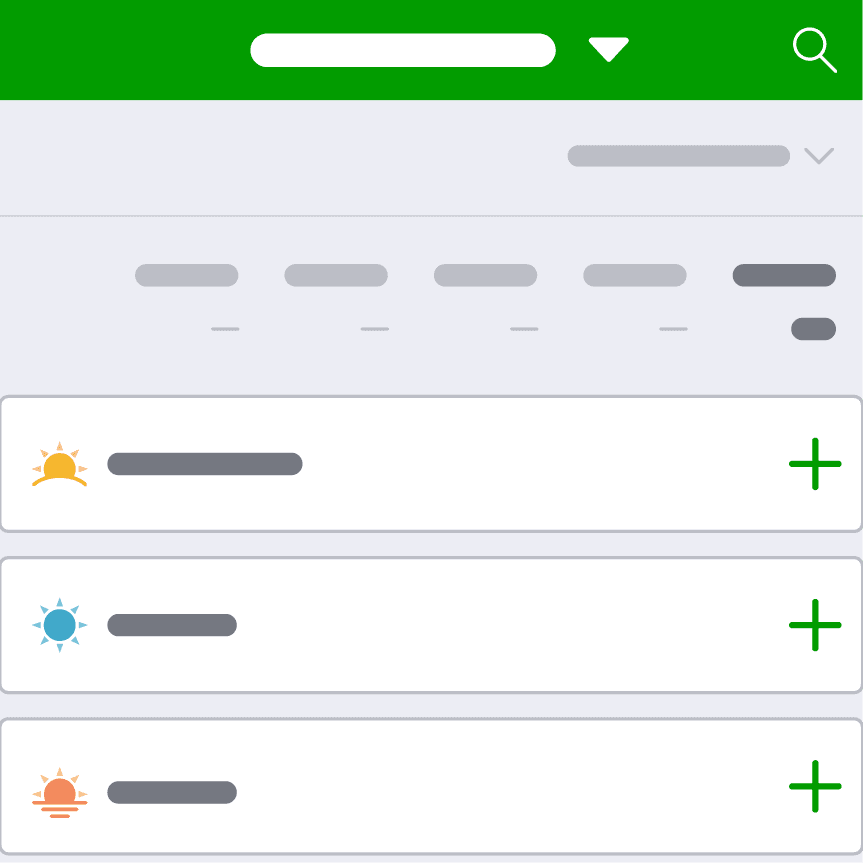
Start on your Diary page and find the meal you want to add food to, such as Breakfast. Tap the green + button next to the meal.
This will open the food logging menu, where you can choose how you want to log your food.
Step 2: Select How You Want to Log Food
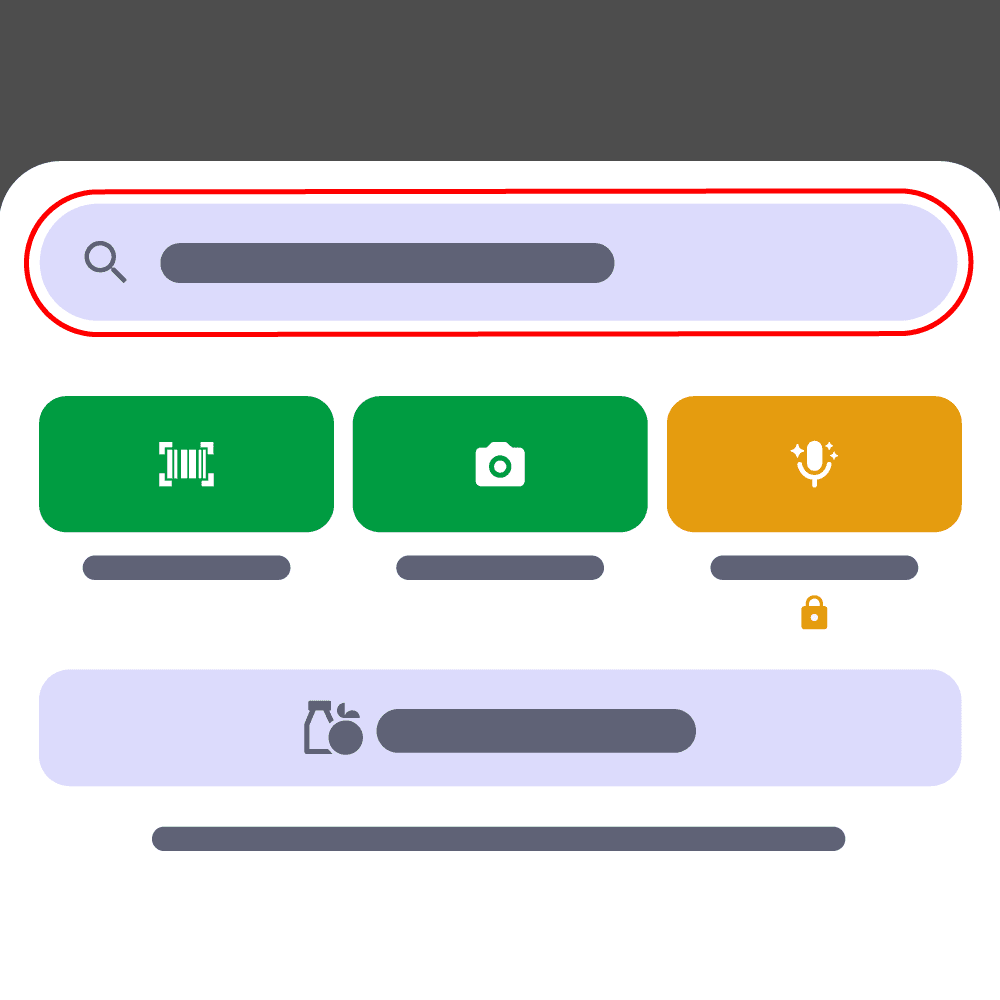
You'll now see all the different ways you can log food, such as manually searching for a food, scanning a barcode, taking a photo or using Smart Assistant.
You can also select My Saved Food, where you'll find your Cook Book (your collection of saved recipes) and Saved Meals. As you continue logging food, this section will become a quick and convenient way to access the foods you use most.
In this guide, we’ll walk through the most straightforward option for beginners: searching for a food. Tap Search for food or recipes to get started.
Step 3A: Find the Food You Want to Log
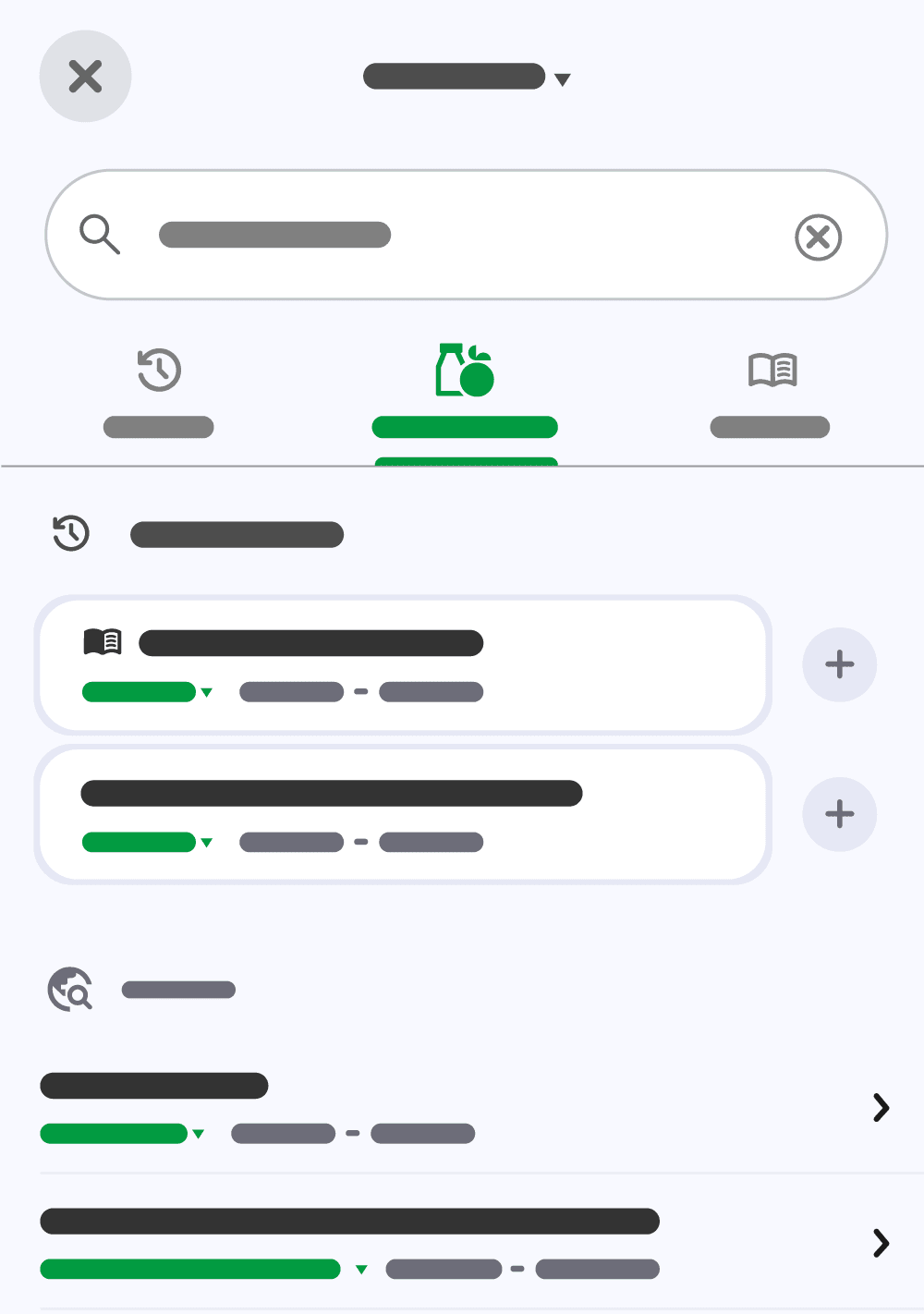
Type the name of the food you want to log in the search box, such as white rice.
As you type, matching foods may appear below the search box. If you see the food you’re looking for, tap it. Otherwise, finish typing and tap Search on your keyboard to see the full search results.
Look through the search results and find the food that best matches what you ate. You may see different versions of the same food, such as different brands or preparation methods.
If you see a From History section at the top of your results, go to Step 3B below to see how to quickly add a food you’ve logged before.
Otherwise, tap the food you want to log to open it, then continue to Step 4.
Step 3B: Quickly Add a Food You’ve Logged Before
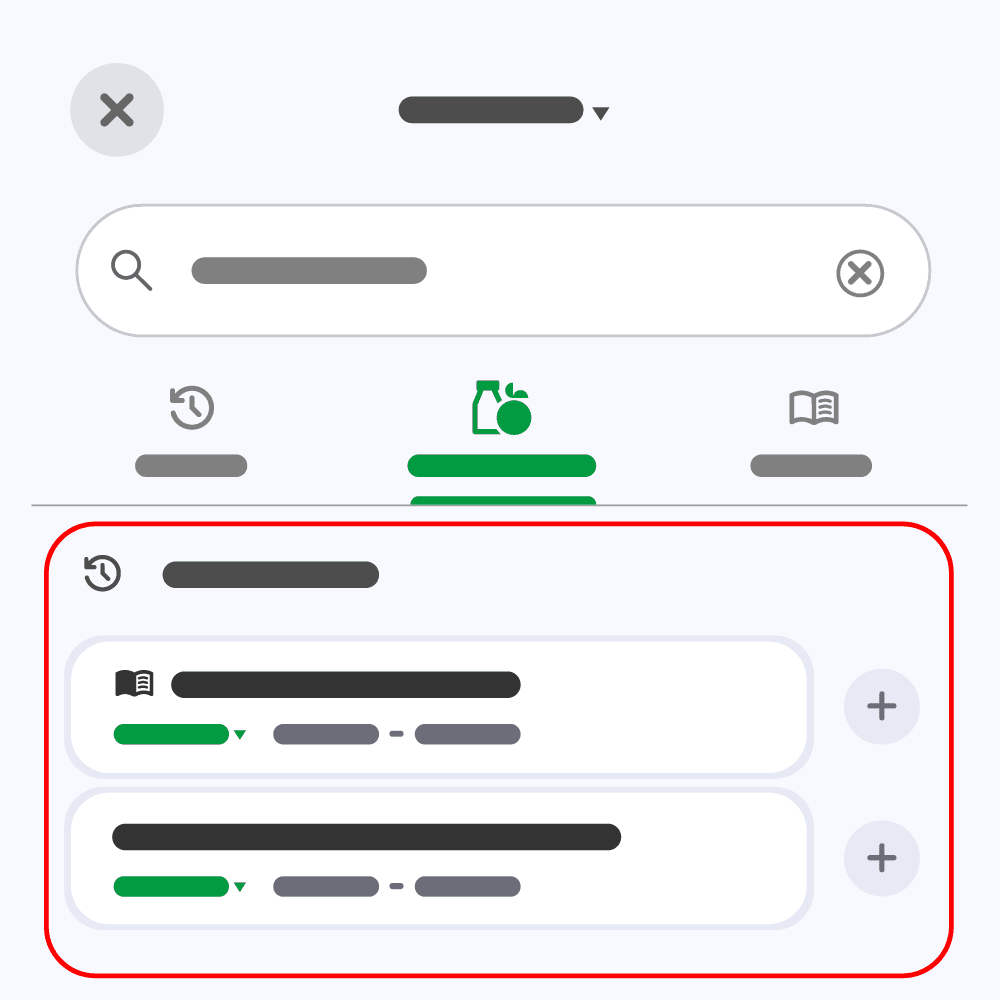
If you’ve previously logged a food that matches your search, you may see a From History section at the top of your search results. If you haven’t logged any foods that match your search before, this section won’t appear.
Foods under From History show the serving and quantity you previously logged.
If the serving and quantity match what you ate this time, tap the + button to add the food without opening it, then continue to Step 5.
If you ate a different amount, tap the food instead so you can adjust the serving or quantity, then continue to Step 4.
Step 4: Confirm Your Serving and Save
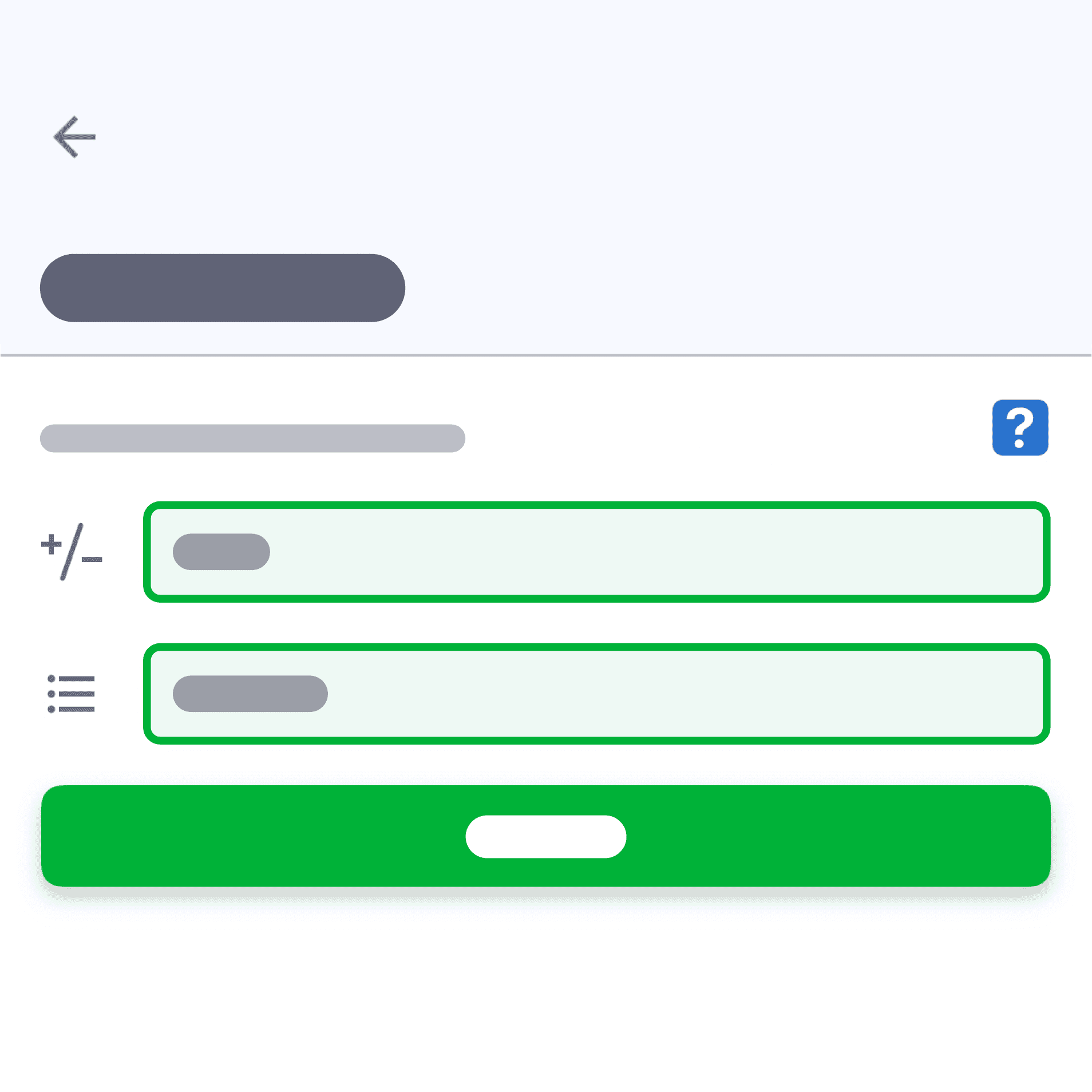
If you tapped a food to open it, you’ll see its nutrition information based on the serving and quantity shown.
Sometimes the default serving size of a food will not match what you want to log. On this page, you can adjust both the serving size and quantity to match what you ate before logging the food to your Diary.
For example, if you’d like to log half a cup of cooked white rice, you might search for White Rice and see that the default serving is 100g.
To change this to match your portion:
- Tap the portion field and switch from “grams” to “cup, cooked”.
- Then adjust the quantity to 0.5.
The nutrition information will automatically update to match your changes.
Once the serving and quantity match what you ate, tap Save.
Step 5: Add the Rest of Your Meal
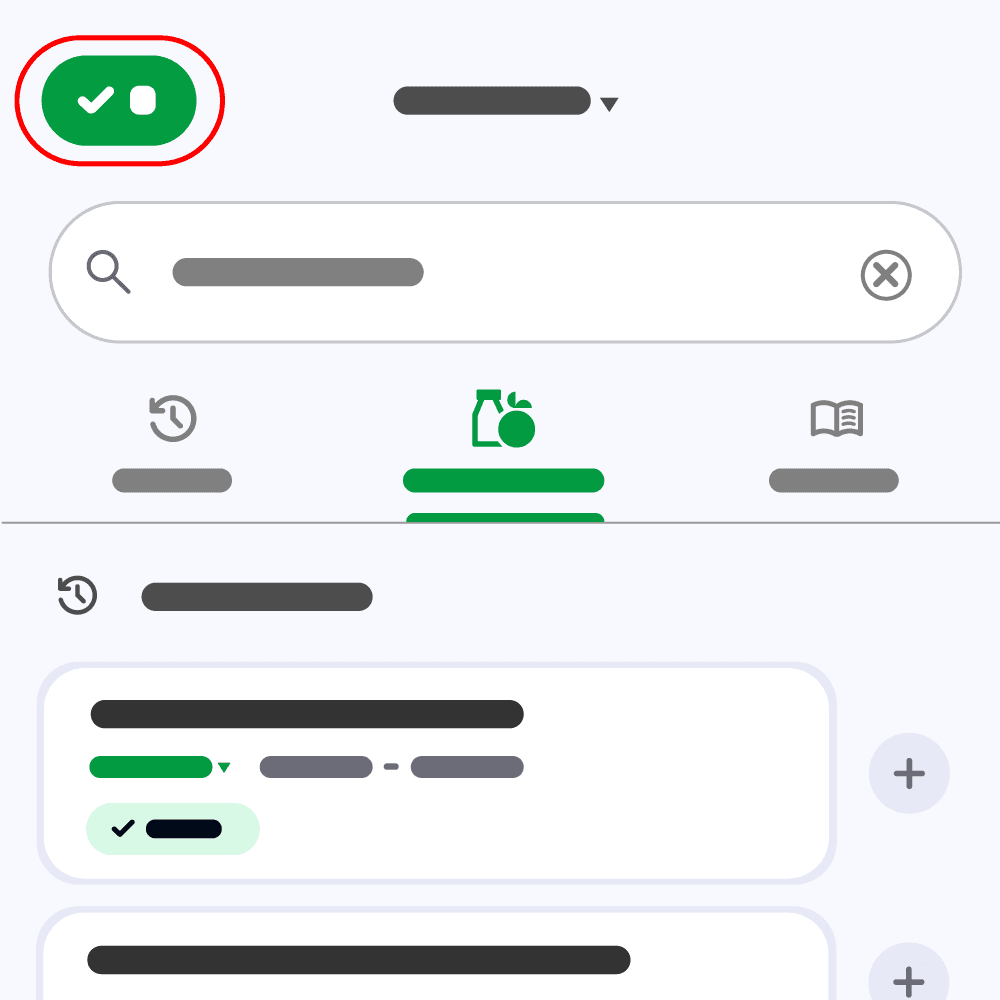
After you tap Save, you’ll return to the food search screen. Continue searching for and adding foods until you’ve added everything you ate for that meal.
The green button in the top left shows how many foods you’ve added.
When you’re finished, tap the green button to close the food search screen and add the foods to your Diary.
Step 6: View Your Logs In Your Diary
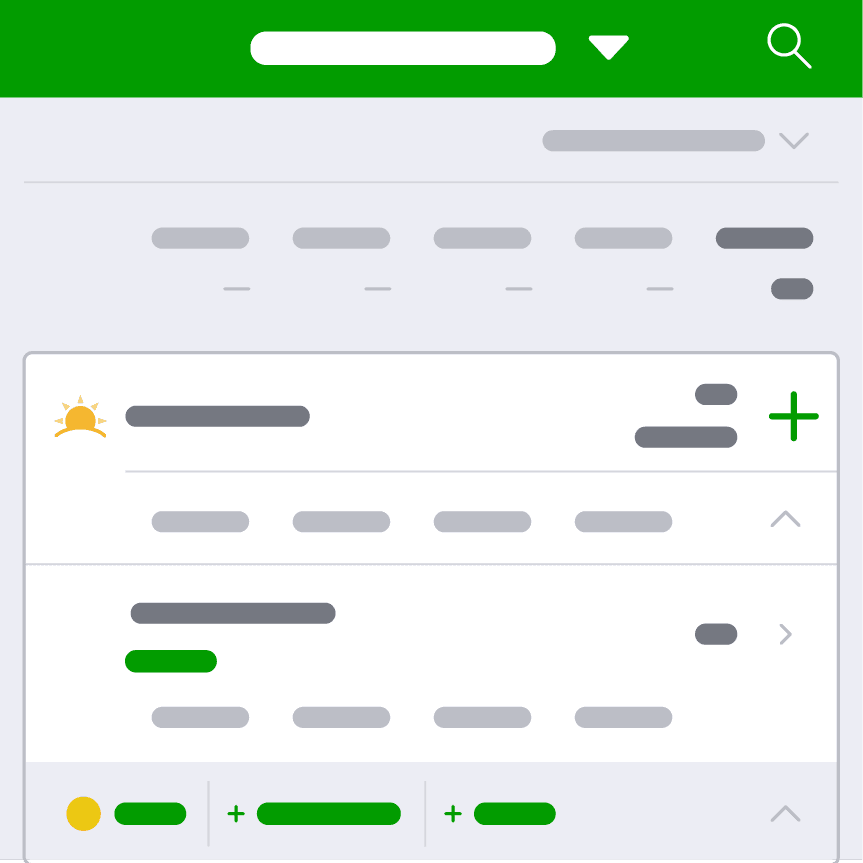
You’ll return to your Diary, where you can see the foods you’ve added under the meal.
Your Diary will also show the updated calories and macronutrients for the meal and how they contribute towards your daily targets.
You’ve now logged your meal!
Editing, Deleting and Backdating a Food Entry
Editing or deleting an entry
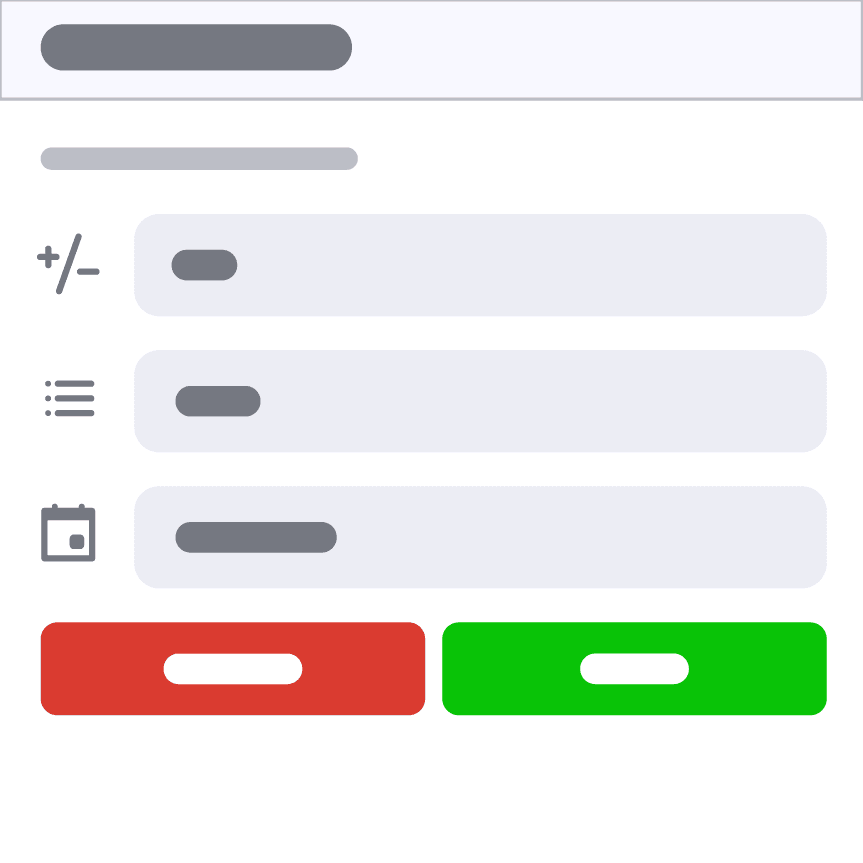
If you’d like to delete a food you’ve logged to your Diary, just tap the food and select the red Delete button. You can also swipe left on the item to remove it quickly.
If you notice you’ve entered the wrong serving size, there’s no need to delete and start again. Simply tap the food entry to reopen it, adjust the portion and save your changes.
Backdating an entry
If you forgot to log food on a previous day, you can switch between days in your Diary by tapping Today at the top of your screen. You can then select a date on the calendar to jump to. This allows you to backdate food entries you may have missed.

Important Suggestions to Help You Get Started
Progress, Not Perfection
When you first start logging food, it’s common to want to get everything exactly right. But in the beginning, your focus should be on building the habit, not being perfect. If you miss logging a meal, don’t let that stop you from continuing. Add it later if you can. If you can’t remember exactly what you ate or how much, that’s okay, too. Right now, the most important thing is getting used to logging consistently. Like any new habit, it takes time to remember to do it every day.
Understand the Basics Before Worrying About Accuracy
The fatsecret database of foods is enormous. While this helps with accuracy in food tracking, it can also be overwhelming when just beginning.
During your first week, focus on logging a food type (called generic foods) rather than a specific brand. For example, instead of searching for “Brand X Wholemeal Bread 9 Grain”, you could simply log “Wholemeal bread”.
This helps you get used to the process, understanding serving sizes and simply remembering to log your food, without getting caught up in choosing the exact product.
By week two or three, once logging feels more natural, you can begin selecting more specific branded items for greater accuracy.