

2. How to find and log food in the fatsecret app (Legacy)
Food logging is the tool used in the fatsecret app to help you keep track of your calorie intake. It helps you to determine if you're consuming the appropriate number of calories to achieve your weight loss goal. This is your guide on how to log food and track your calories using the fatsecret app.
How to log a food to your Diary
To log a food to your Diary, follow these simple steps.
Step 1
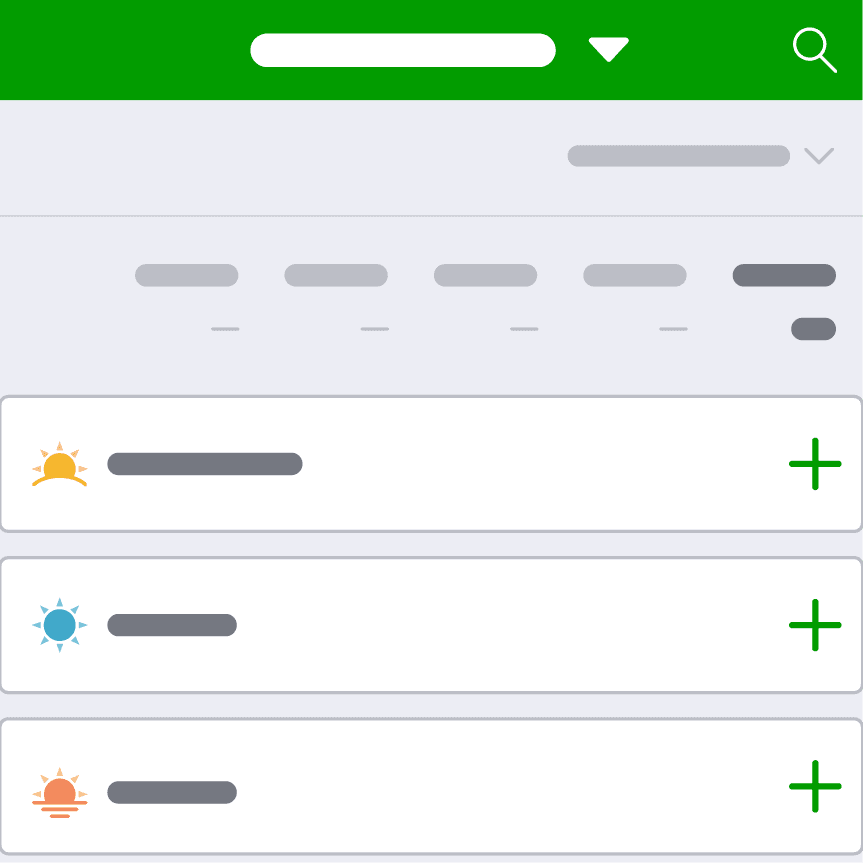
To log a food, visit your Diary and tap + on the meal you want to log. This will open the food add screen for that meal.
Step 2
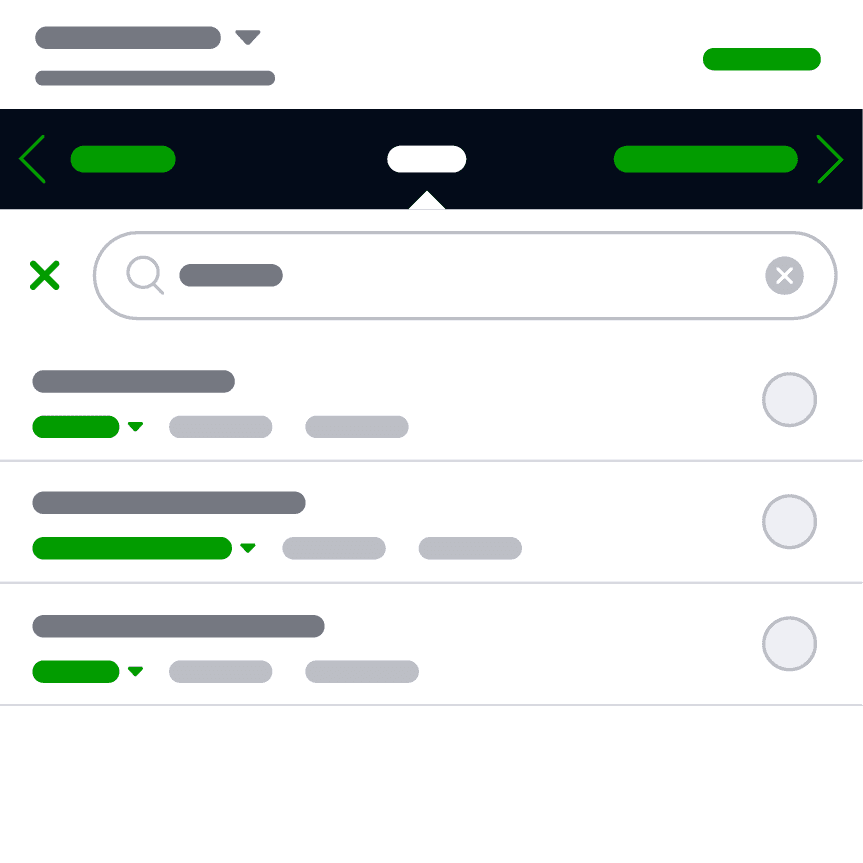
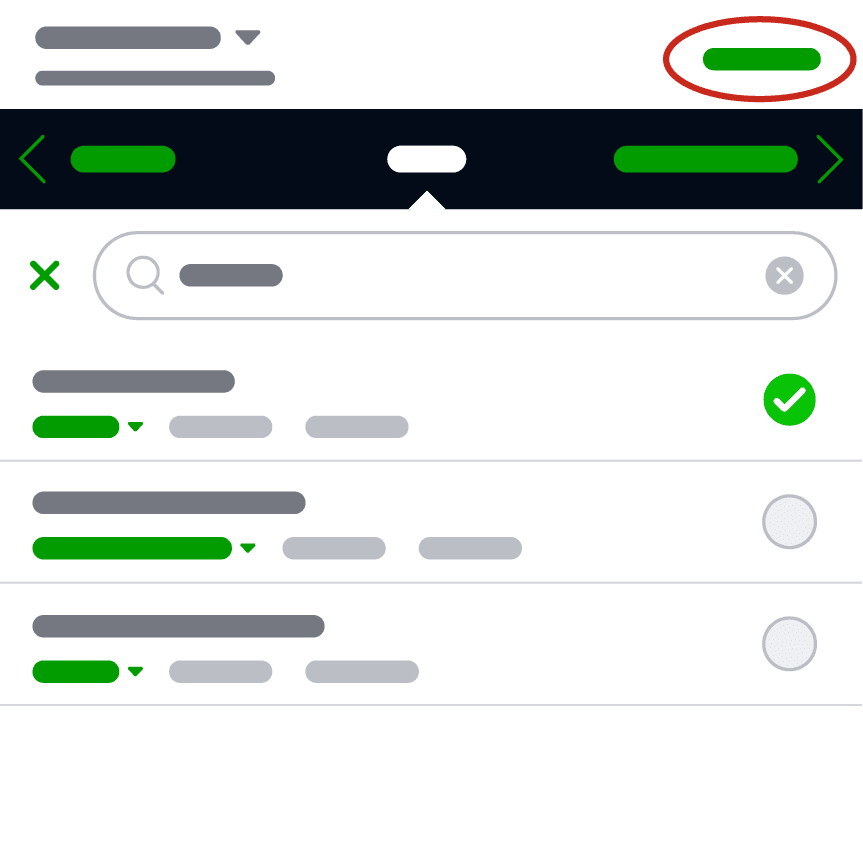
At the top, you will see a few different ways to log food. To get started, add a single food using the ‘Food’ screen. In the search box, start typing the food you want to add. The app will then start showing search terms related to the text you entered. To search for your food, you can either tap one of these options or tap the search button on your keyboard.
Step 3
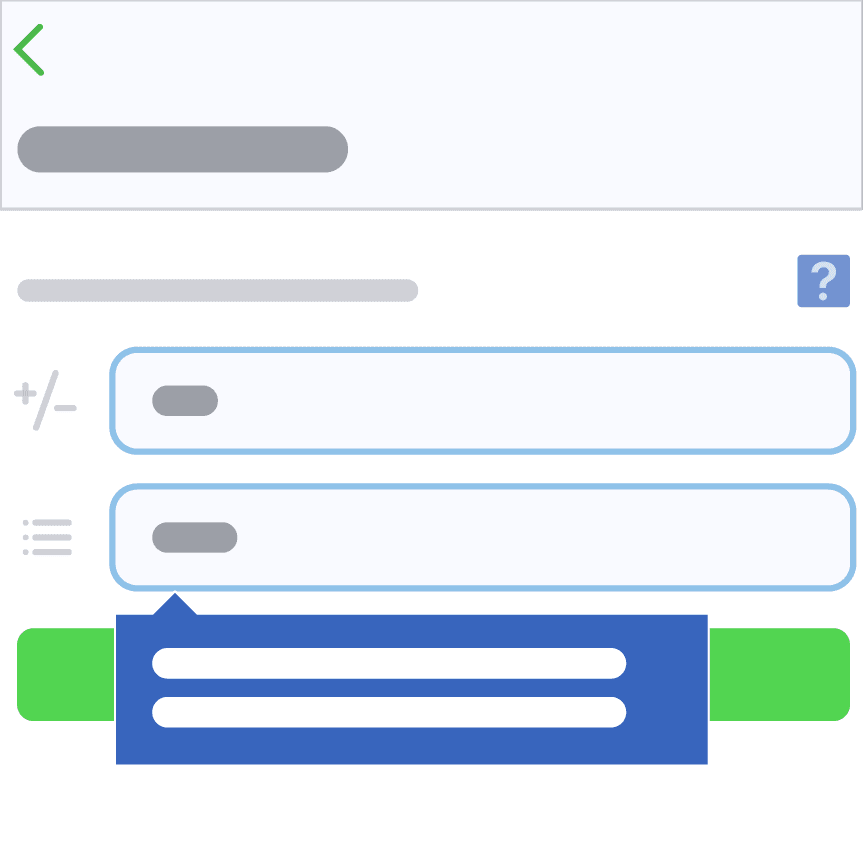
Once you have found the specific food you are looking for, tap on the food item to edit the quantity or serving size as needed. Once you have adjusted the serving size, tap ‘Save’.
Step 4 (Android)
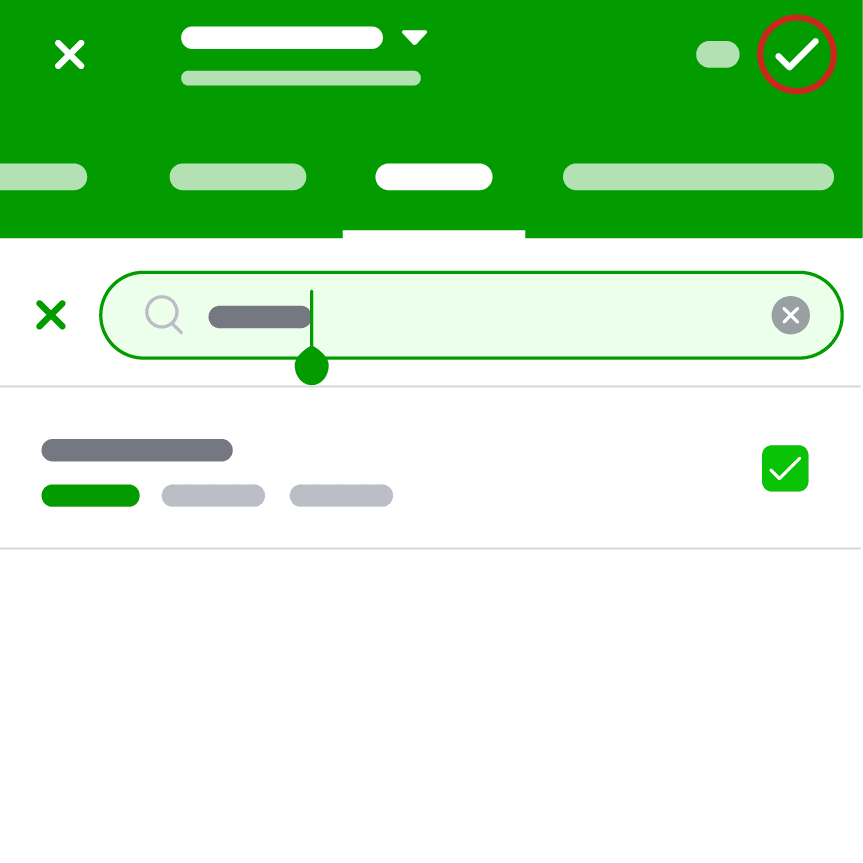
You will return to the food add screen, and the checkbox will now be marked indicating that this food will be added to your meal.
To continue adding more foods to your meal, tap 'x' in the search box and repeat the process of searching and adding foods.
Once you have added all food components for that meal, tap on the ‘✓’ button at the top right to save that meal to your Diary.
Step 4 (iOS)
You will return to the food add screen, and the checkbox will now be marked indicating that this food will be added to your meal
To continue adding more foods to your meal, tap 'x' in the search box and repeat the process of searching and adding foods.
Once you have added all food components for that meal, tap on the ‘Save’ button at the top right to save that meal to your Diary.
Step 5
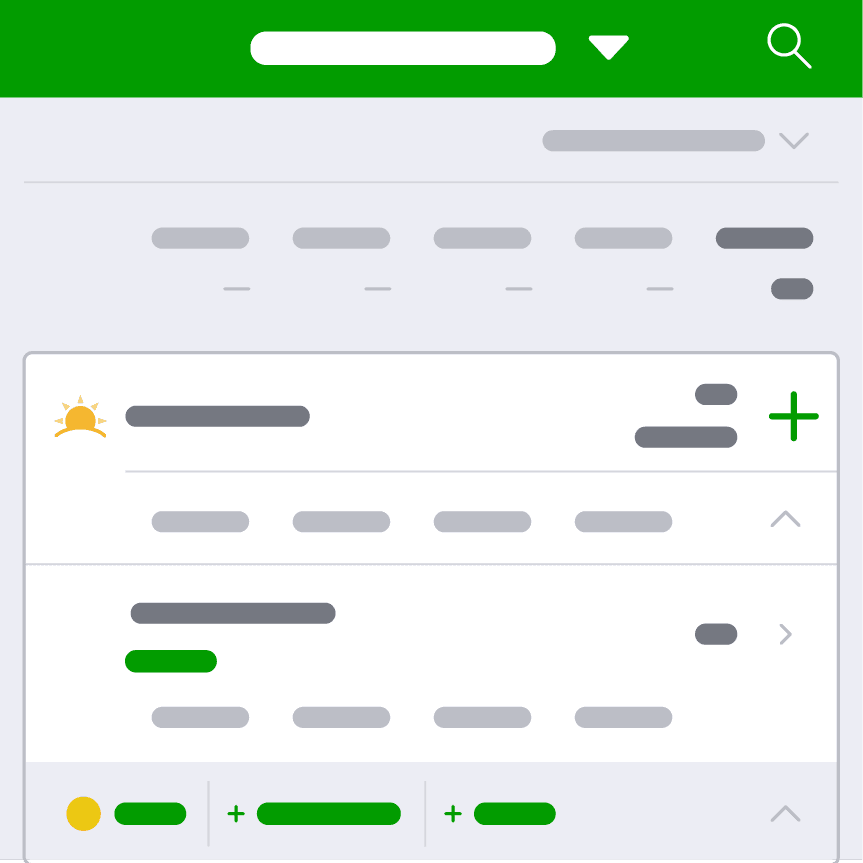
You will be taken back to the Diary screen and the meal will now be updated with what you ate. You will be able to see your calories consumed and the macro breakdown for that meal, alongside the % the meal made up of your RDI.
Step 6
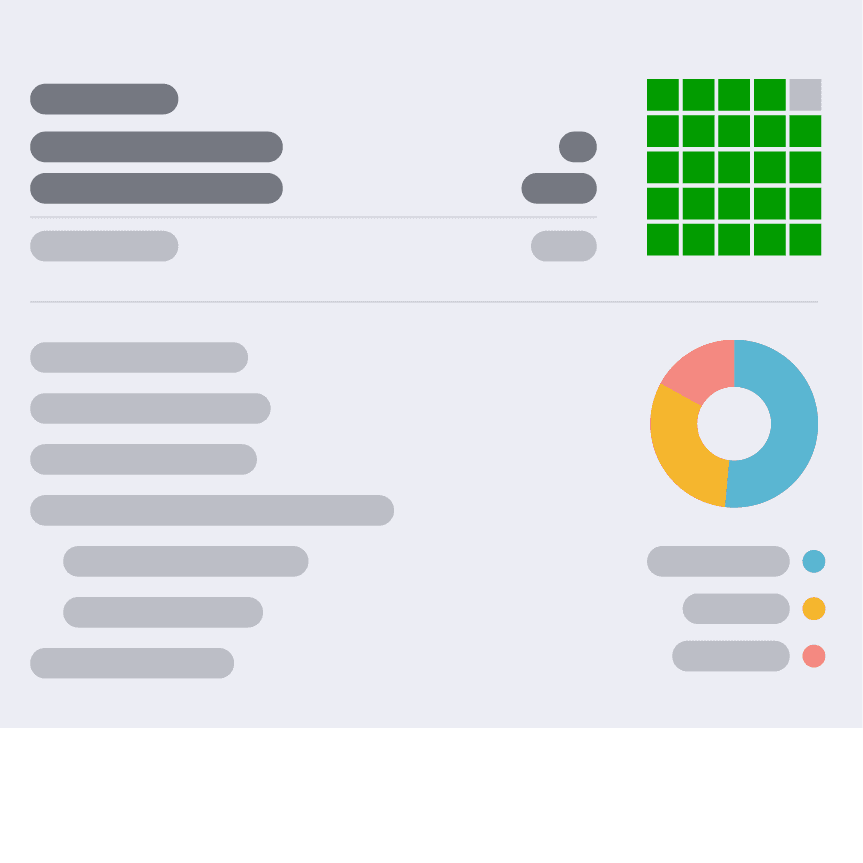
Continue adding the rest of your meals to your Diary throughout the day in the other meal categories. If you scroll to the bottom of your Diary page, you will see a summary of the calories you have consumed and the calories you have remaining for the day. There is also a breakdown of the macronutrients you consumed in your meals throughout the day.
Editing, deleting and backdating a food entry
Editing or deleting an entry
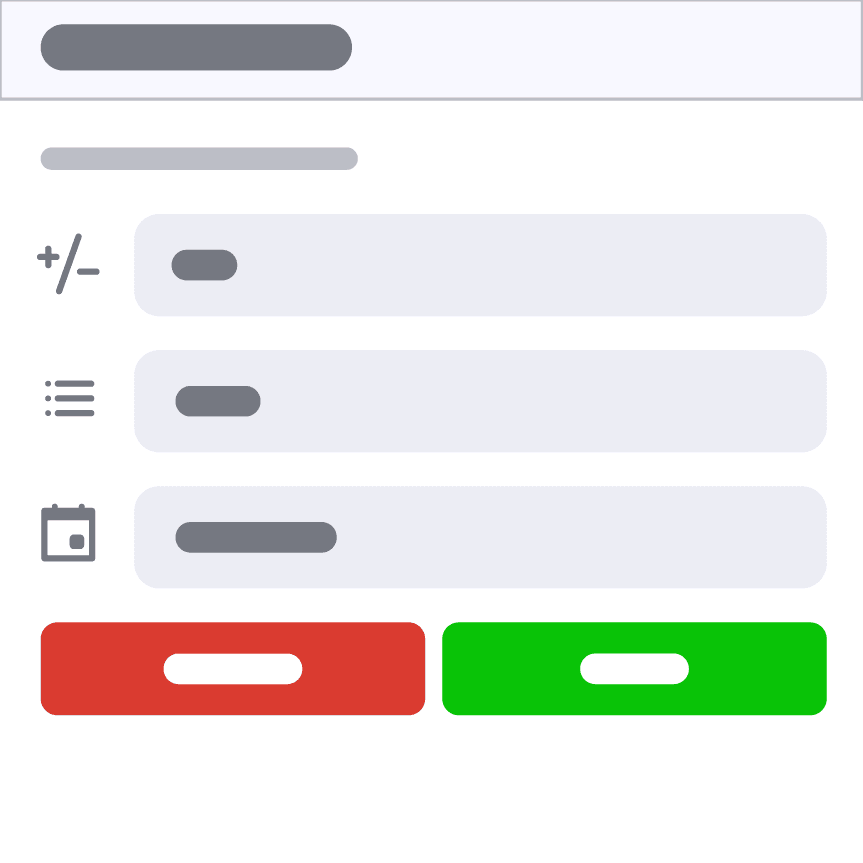
If you accidentally enter a food incorrectly, you can easily edit or delete it from the Diary page by tapping on the food. Update the quantity and serving size and tap save, or delete the food by tapping delete.
Backdating an entry
If you forgot to log food on a previous day, you can switch between days in your Diary by tapping ‘Today’ at the top of your screen. You can then select a date on the calendar to jump to. This allows you to backdate food entries you may have missed.
Important suggestions for getting started
Progress, not perfection
When starting food logging, it is easy to want to be perfect. But your goal early on should be about progress, not perfection. If you are not logging every meal each day because you missed noting one down, don’t worry. Add it if possible, but if you forgot to note down what you ate and the quantity, it’s okay. You are forming a new habit (logging food) which will take time to get used to and remember to do consistently.
Go for foods, not brands, to start
Our database of foods is enormous. While this helps with accuracy in food tracking, it can also be overwhelming when just beginning. During your first week, focus on logging a food type (called generic foods) rather than a specific brand. Get used to the process, the serving size measurements, planning what you need to know to log food and simply remembering to log your meals. By week two or three, you can start being more accurate in what you log to your Diary.